
Activate your Chatgpt Plus
March 1, 2026 2026-03-01 0:42Activate your Chatgpt Plus
CHATGPT SUBSCRIPTION ACTIVATION GUIDE
How to activate:
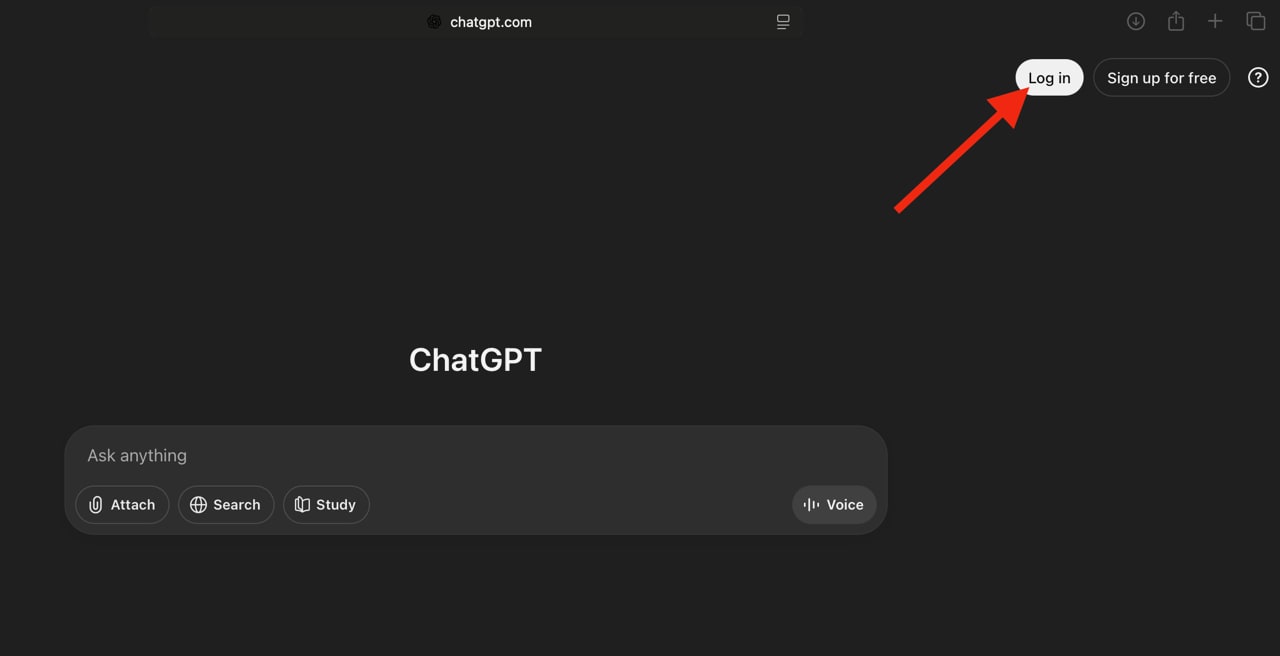
- Open ChatGPT in your browser (desktop or mobile browser).
Do not use the mobile app for this step. - Log in using your account credentials.
- After logging in, open the following link:
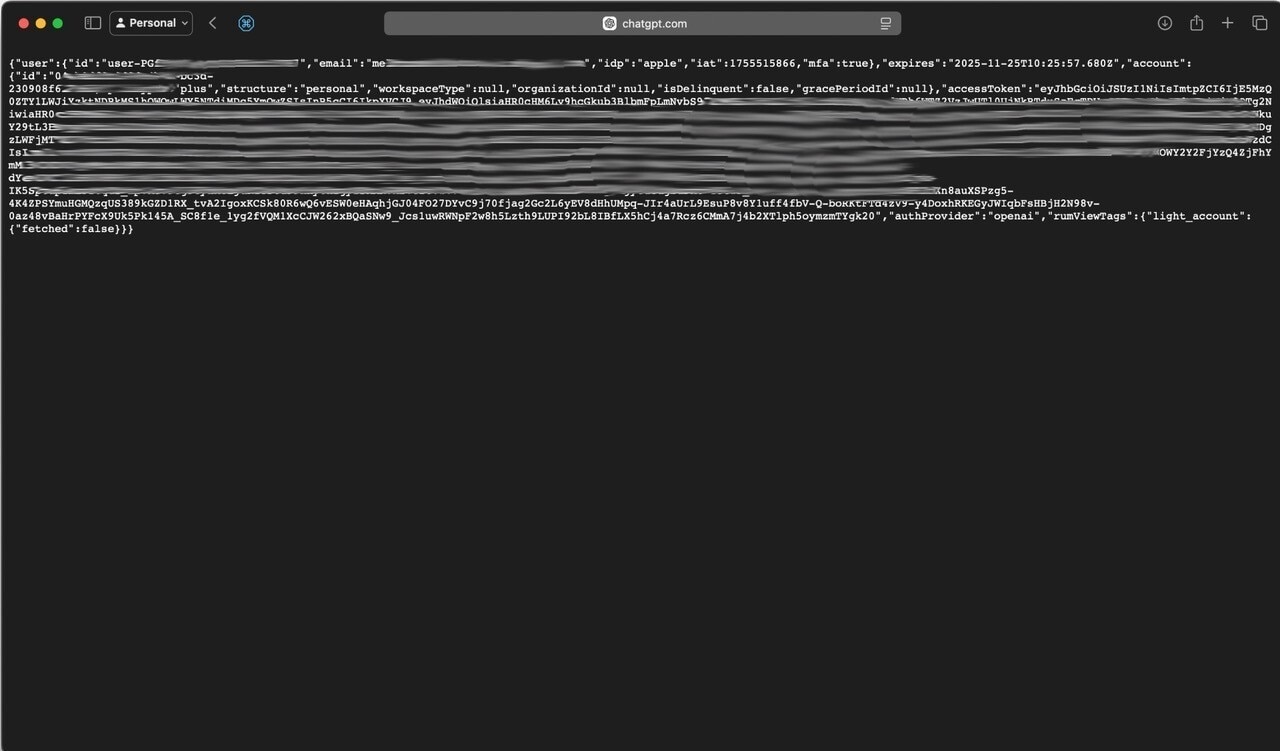
https://chatgpt.com/api/auth/session - A page with code and text will appear.
Copy everything you see on that page. - If the page only shows
{}, you are not logged in correctly.
Please log in again and retry. - Paste the copied text into the form provided by the seller after purchase.
Done! Your subscription will be activated automatically in about 1 minute. Security note:
After your subscription is activated, you can go to ChatGPT settings and use “Log out of all devices” to securely revoke the access token.